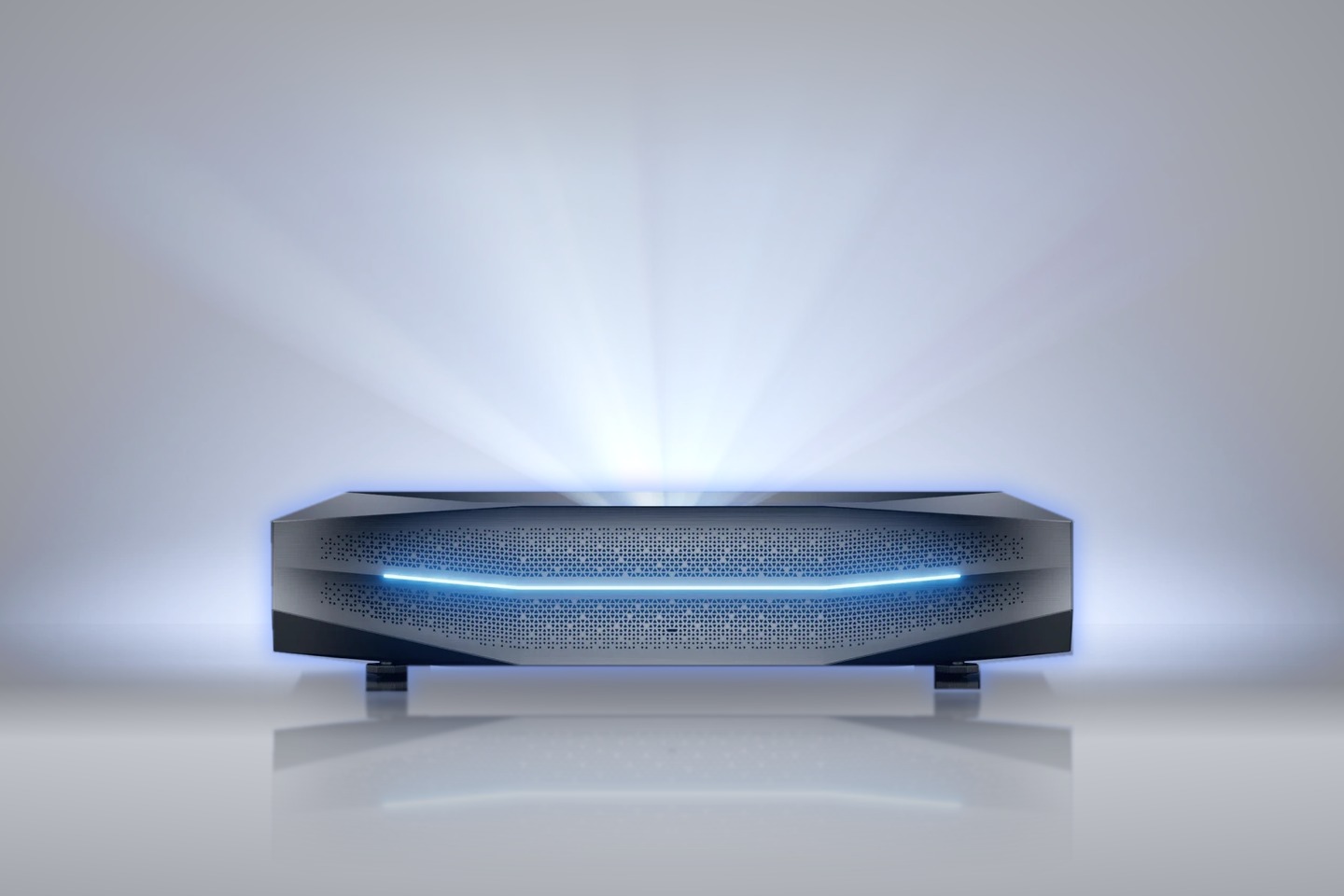
Optoma CinemaX P1 Throw Distance Calculator
Where to put the Optoma CinemaX P1 for a 80″ to 120″ image, based on Optoma’s official installation table.Placement for 80–120″, from Optoma’s table.
Choose your projector
- AWOL Aetherion Pro / Max
- AWOL LTV-3500 / LTV-3000 / LTV-2500
- AWOL LuxVision
- BenQ V5010i
- Epson EpiqVision Ultra LS300
- Epson EpiqVision Ultra LS500
- Epson EpiqVision Ultra LS650
- Epson EpiqVision Ultra LS800
- Epson EpiqVision Ultra QS100
- Formovie Cinema Edge
- Formovie Theater
- Formovie Theater Premium
- Hisense L9Q
- Hisense PL1
- Hisense PL2
- Hisense PT1
- Hisense PX2-PRO
- Hisense PX3-PRO
- Hisense PX4-PRO
- LG CineBeam HU915QE / HU85LA
- NexiGo Aurora Pro
- NexiGo Aurora Pro MKII
- Optoma CinemaX P1
- Optoma CinemaX P2 / D2
- Optoma GT4000UHD
- Samsung The Premiere 7 (LPU7D)
- Samsung The Premiere 9 (LPU9D)
- Samsung The Premiere LSP7T
- Samsung The Premiere LSP9T
- Ultimea Thor T60
- VAVA Chroma
- ViewSonic X2000L-4K / X2000B-4K
- XGIMI AURA
- XGIMI AURA 2
- XGIMI AURA 3 Pro / Max / Ultra
- XGIMI MIRA / MIRA Pro
All data and measurements on this site are free to use. If you use them, please link back to spykevision.com.
- A
- front of the projector to the wall
- B
- back of the projector to the wall
- C
- image’s bottom edge above the projector
- D
- image’s bottom edge above the surface the projector stands on
- E
- image’s top edge above the floor
Dimensions on the drawing
With a screen that isn’t 16:9
- The projector still throws a 16:9 frame. A wider screen is filled edge to edge with bars above and below, a 4:3 screen top to bottom with bars at the sides.
- Distances follow that frame, heights the visible screen.
- On wide formats you can drag the screen up or down within the frame.
One email per new review.
Nothing else. Unsubscribe in one click.